Complete how-to guide
Full screenshot-backed manual for shop owners, technicians, and staff.
Use these guides to set up FretTrack and run daily repair-shop workflows. Product help, release information, support, and legal pages are served directly from FretTrack's public domain.
This release adds durable support ticket numbers and operational backup/retention safeguards. FretTrack's independent backup framework is designed to preserve verified database, Storage, and source recovery copies without depending on a development workstation being left on.
Pro includes the Customer Work Order Portal and institutional contract estimates. The established repair benches, purchasing, payments, printing, scheduling, messaging, photos, and history workflow remain included. FretTrack is working toward stronger SOC 2 readiness; it does not claim SOC 2 compliance.
Dedicated AmpTrack and MidiTrack add-on modules are planned later with more specialized amplifier and keyboard workflows.
The full guide includes screenshots and step-by-step chapters for using FretTrack in a working repair shop: intake, jobs, amplifier and keyboard benches, customer communication, loyalty, photos, work logs, inventory, vendors, purchase orders, receiving, barcode labels, shipping, scheduling, reports, roles, and troubleshooting.
FretTrack uses one professional navigation rail for work orders, repair benches, customers, inventory, reporting, and administration. Choose a built-in theme or select Use Device Theme to follow the operating system.
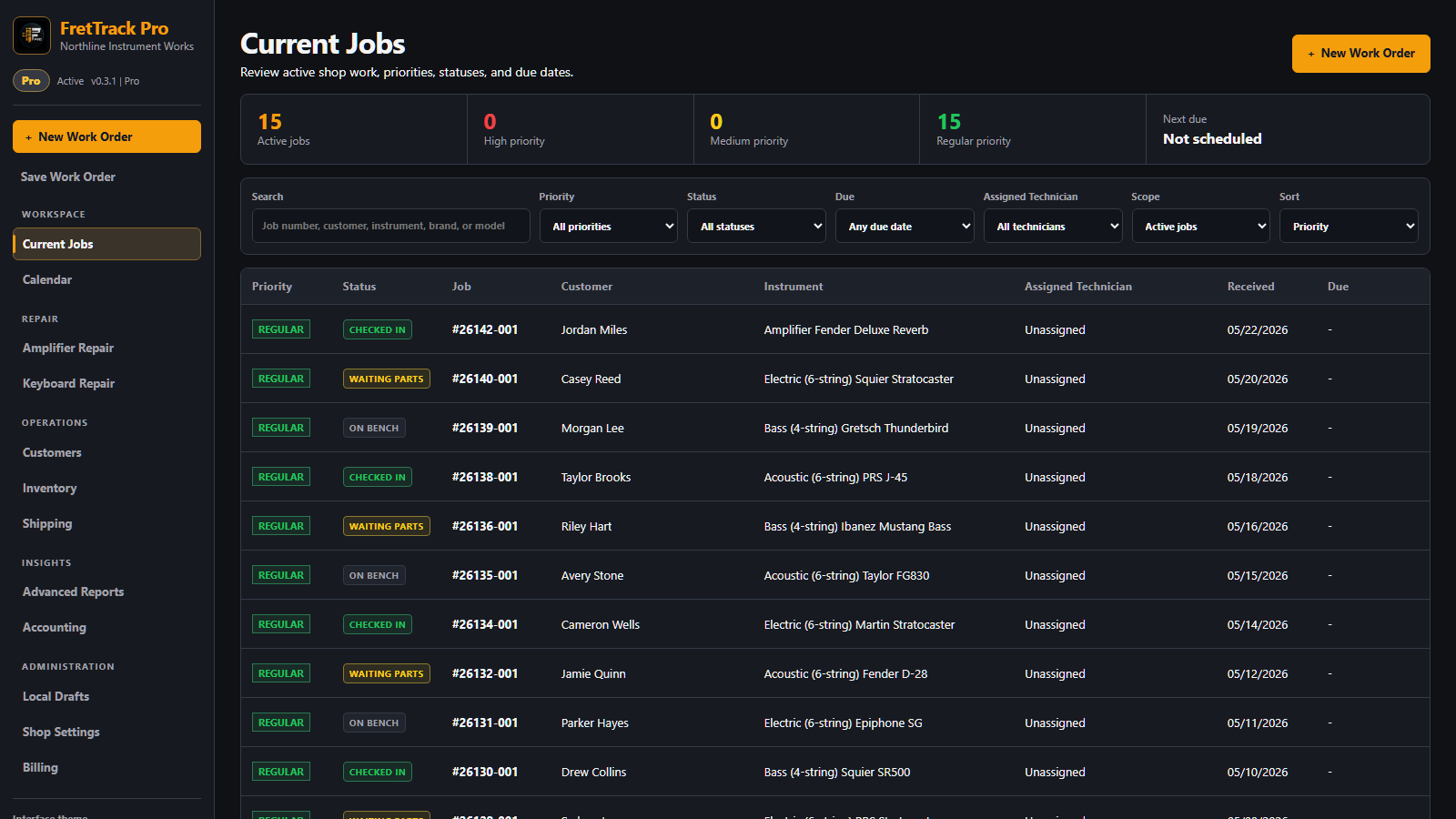
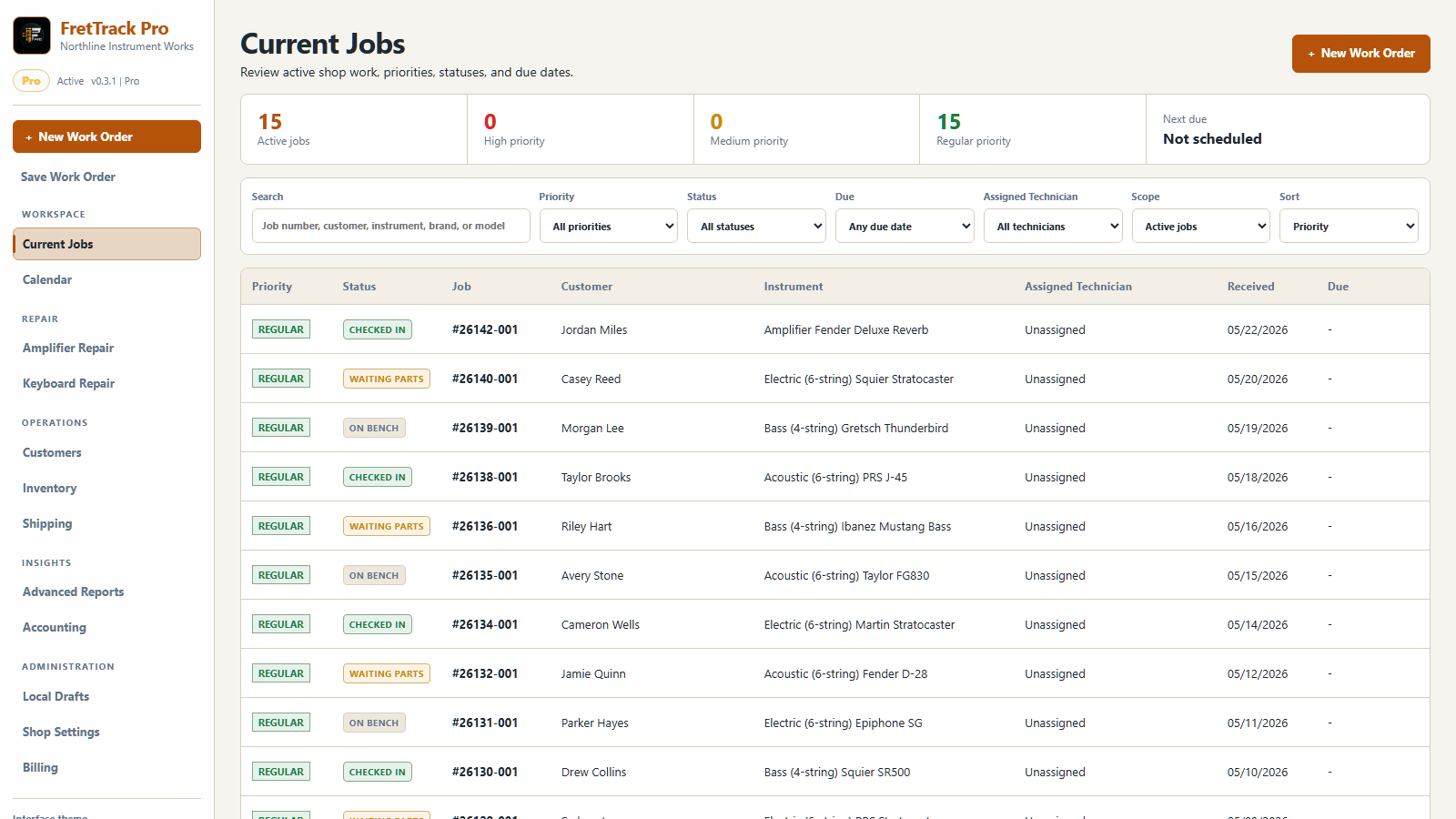
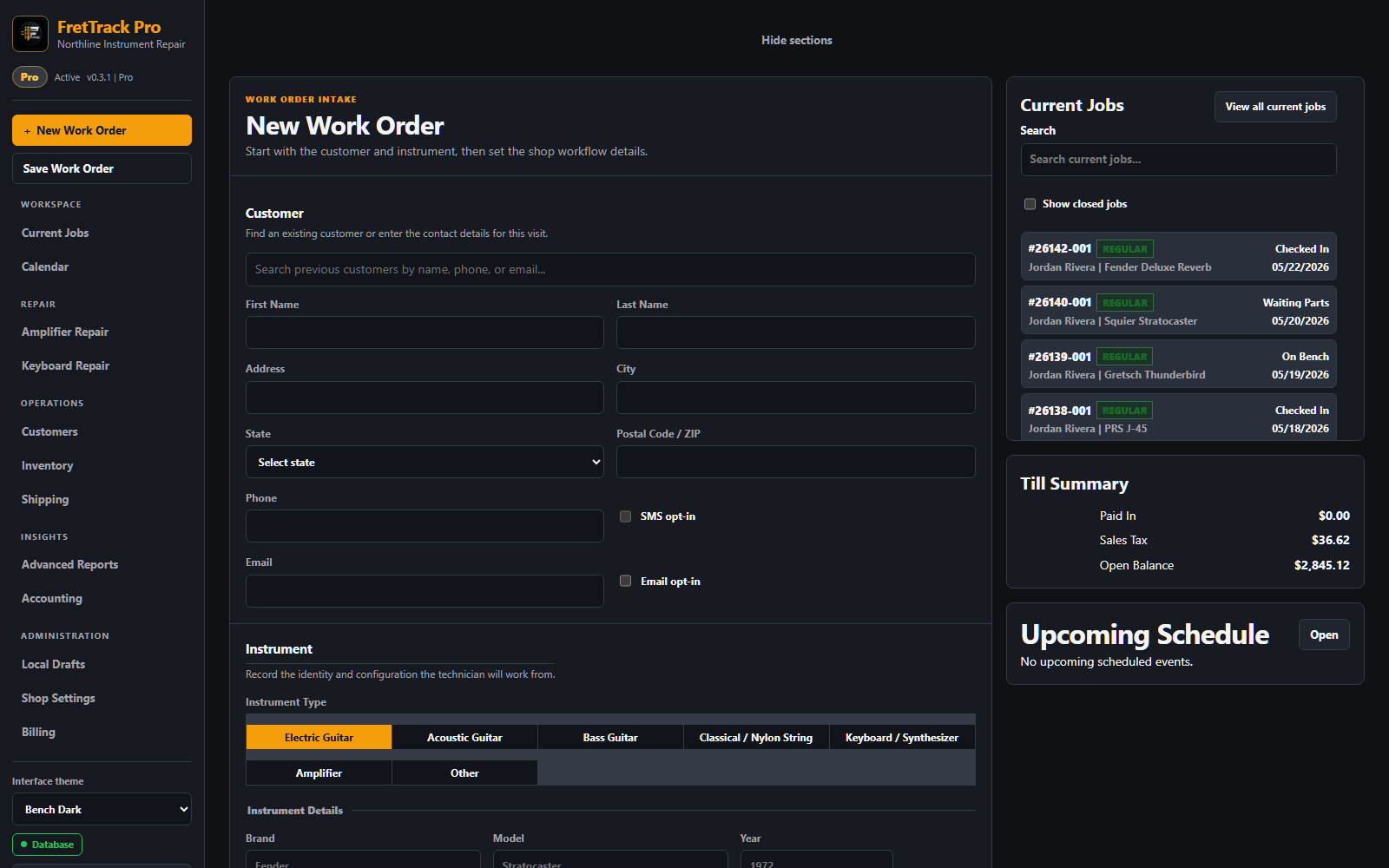
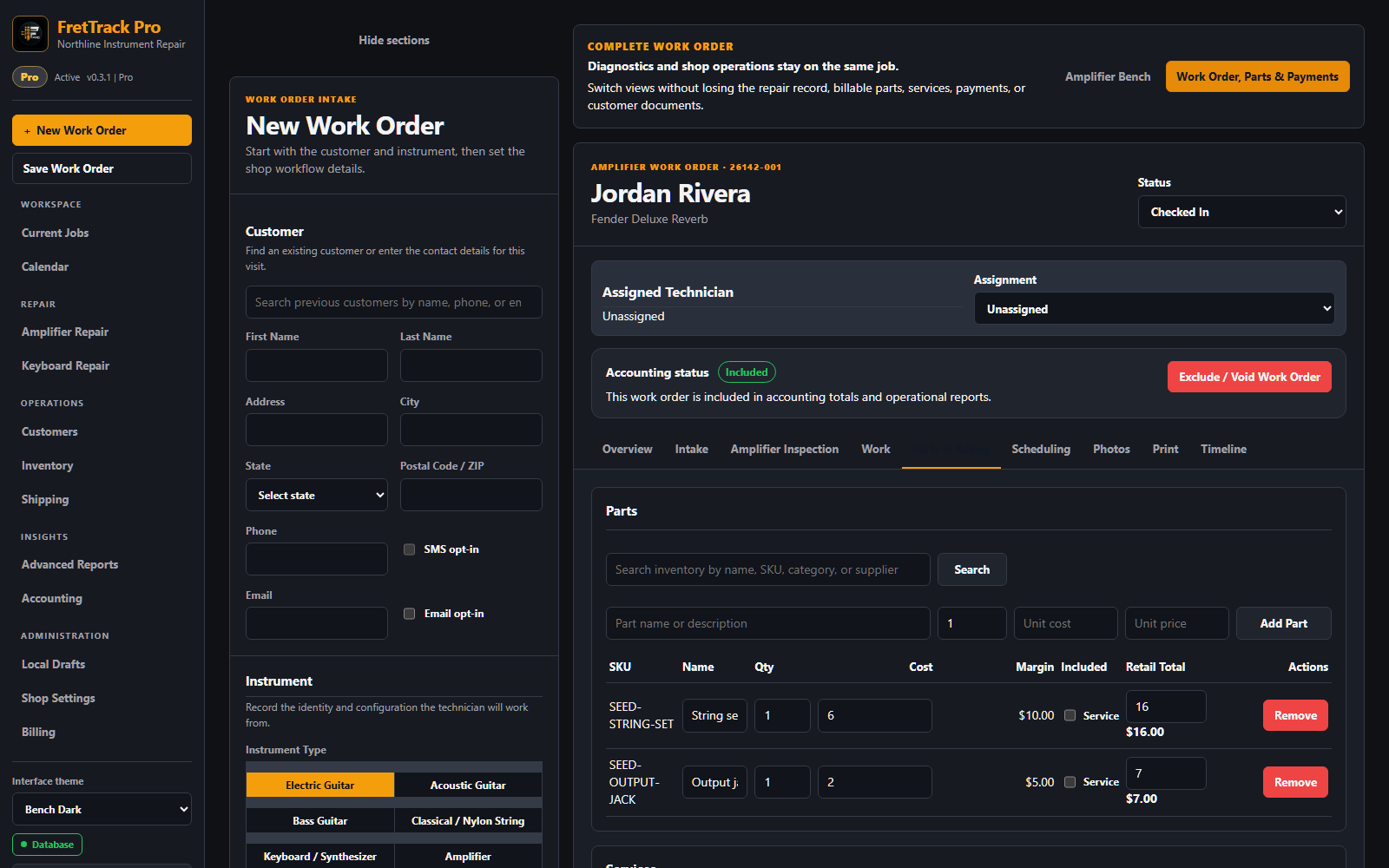
Screenshots show fictional shop and customer data.
Full screenshot-backed manual for shop owners, technicians, and staff.
Basic workflow from account access to first job.
What changed in 0.3.60, the earlier customer-account, reliability, and Pro Customer Work Order Portal releases, and the Operational Shop baseline.
Shop setup, access, trial status, and account basics.
Create, find, update, and use customer records; review customer Conversation history; and route incoming replies from the separate Messages inbox.
Configure the Pro reminder rule, record consent, monitor delivery status, skip or restore reminders, and troubleshoot eligibility.
Create and manage guitar, amplifier, and keyboard work orders from intake to pickup.
Capture requested work, parts, services, and approval notes.
Document condition, damage, serial numbers, and repair evidence.
Parts, vendors, purchase orders, receiving, vendor returns, reorder planning, specialist job purchasing, billing transfer, and barcode labels.
Manual shipment, receiving, tracking, and chain-of-custody notes.
Intake, pickup, due date, follow-up, and shop block events.
Operational reports, print, and CSV exports for eligible shops.
Trial, Shop, Pro, renewal, expiration, billing basics, and the current Shop-versus-Pro feature checklist.
Owner, admin, tech, viewer, and feature access expectations.
How FretTrack controls changes, isolates shop data, verifies releases, protects backups, and builds toward independent assurance.
Validated backups, encrypted offsite copies, isolated recovery testing, current limitations, and SOC 2 Availability readiness.
Common login, save, photo, inventory, and browser problems.
Quick answers for shops, staff, and trial users.
Customer-facing help lives on the public FretTrack domain so shops can reach the working guides without a separate developer account or repository access.